Multi-level inventory permits an inventory item to act as a parent and allows child inventory items to be a member of the parent.
This option is useful in a collection of items with different characters/styles making up the collection. All windows and reports are available per collection or per character/style.
Example:
An example of this can be best illustrated in the fashion industry where a collection is made up of various styles. The primary data is stored at collection level, with the character such as the style stored as a child with additional basic information.
An example of this can be best illustrated in the fashion industry where a collection is made up of various styles. The primary data is stored at collection level, with the character such as the style stored as a child with additional basic information.
The Customer Sales Order is processed in the Control Panel.
Control Panel
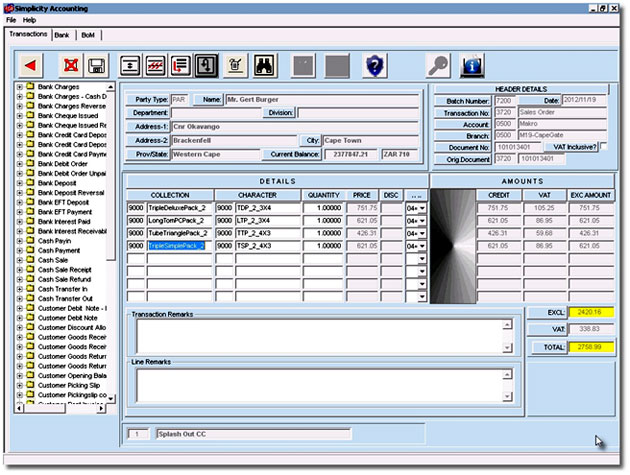
Sales Order Screen Shot
The collection and the character/style are entered on the detail line. Context sensitive lookups are available as per the below figure:
Collection Lookup
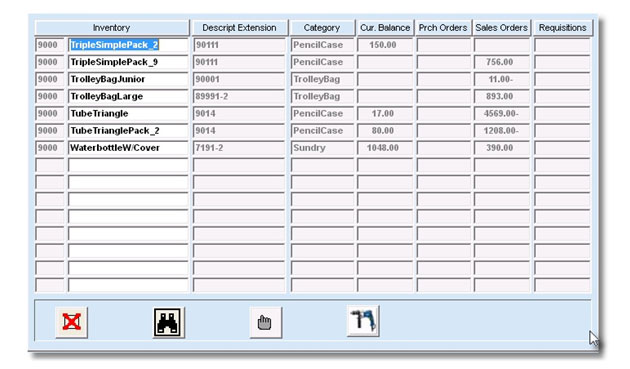
Inventory Look-Up Screen Shot
Drill down into the Inventory Master at the click of a button:
Inventory Master
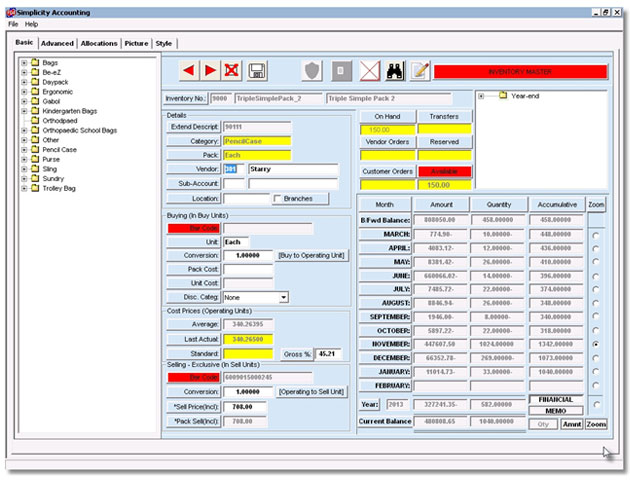
Inventory Master Screen Shot
Lookup the character/style list:
Character/Style lookup
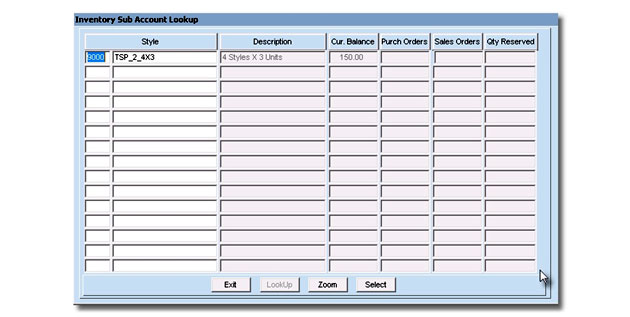
Character/Style Lookup Screen Shot
Drill down to character/style master at the click of a button.
Character/Style Master
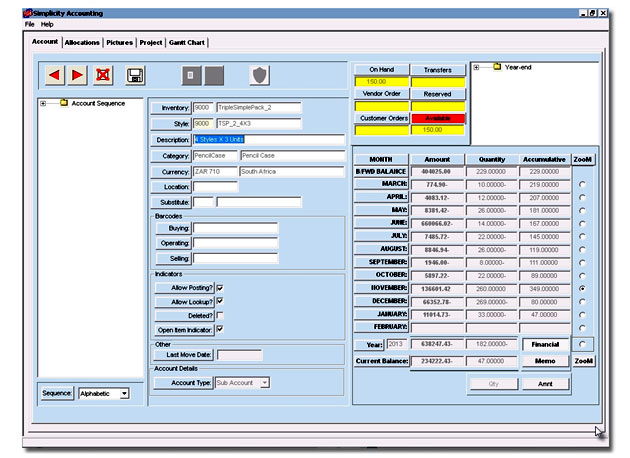
Character/Style Master Screen Shot